Public · automatic
Subscribers and followers
Your Substack audience every day, with the change over 7 days to a year.
Substack, LinkedIn + Instagram
Your followers, subscribers and posts across Substack, LinkedIn and Instagram, ranked against the creators in your lane, with up to four clear next moves every day.
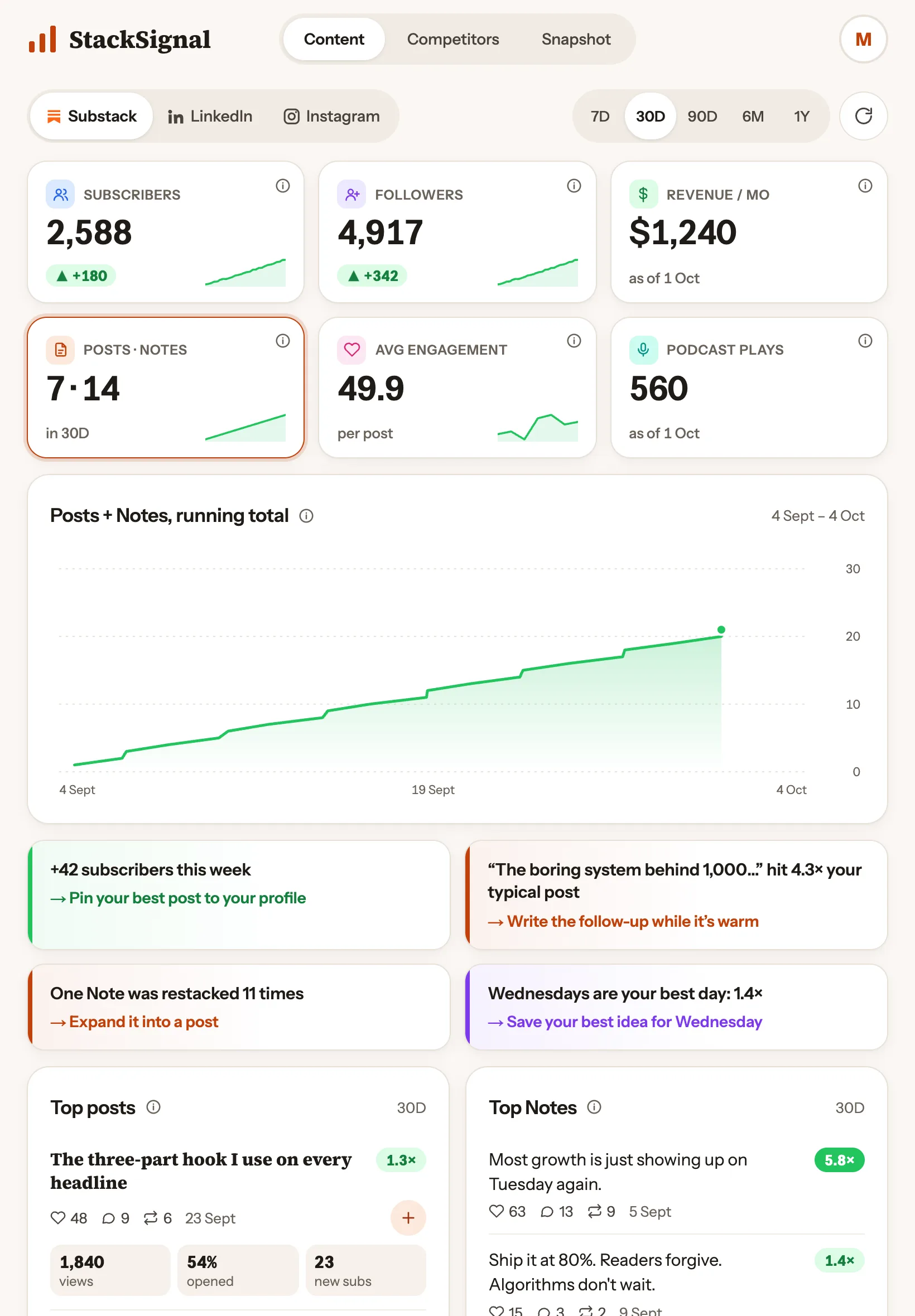
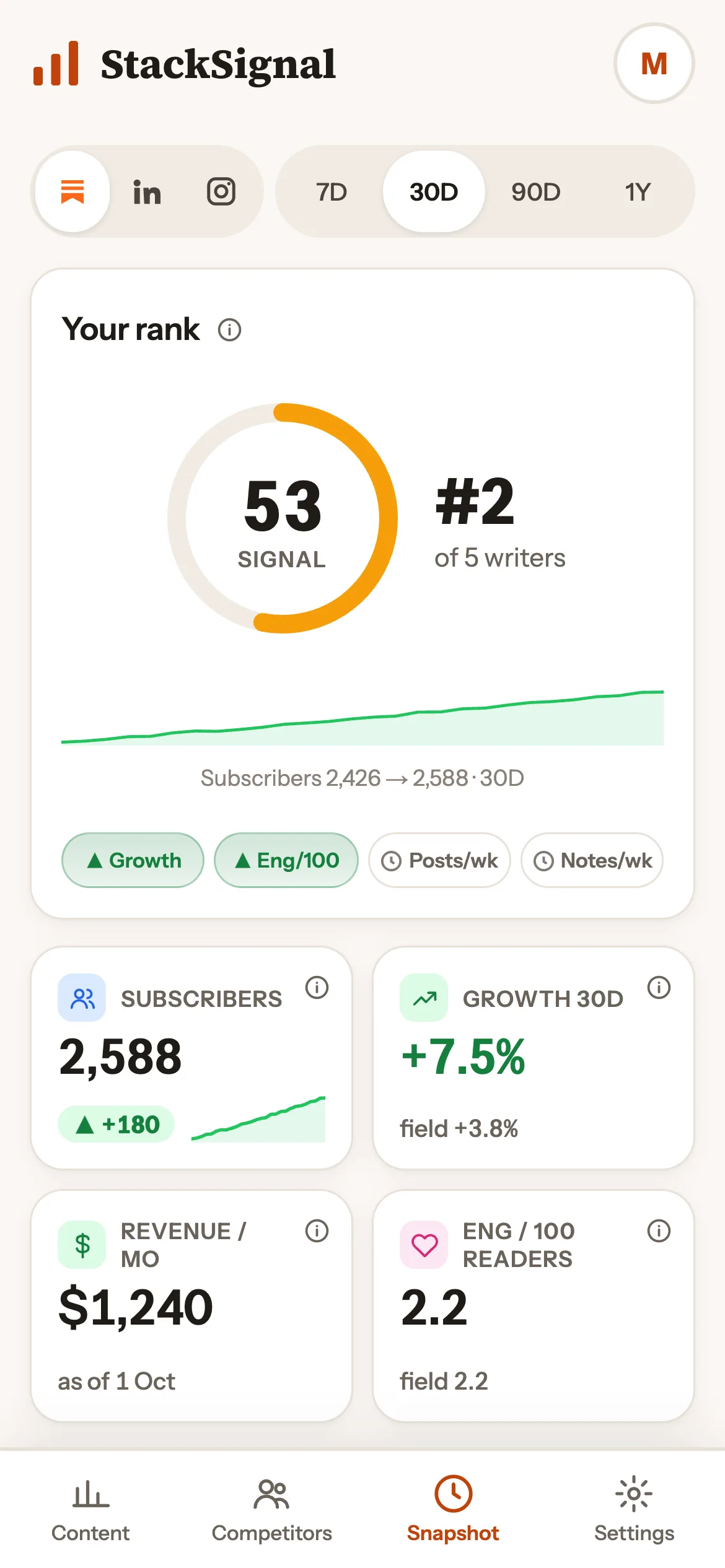
Screens show example data and invented writers.
The dashboard
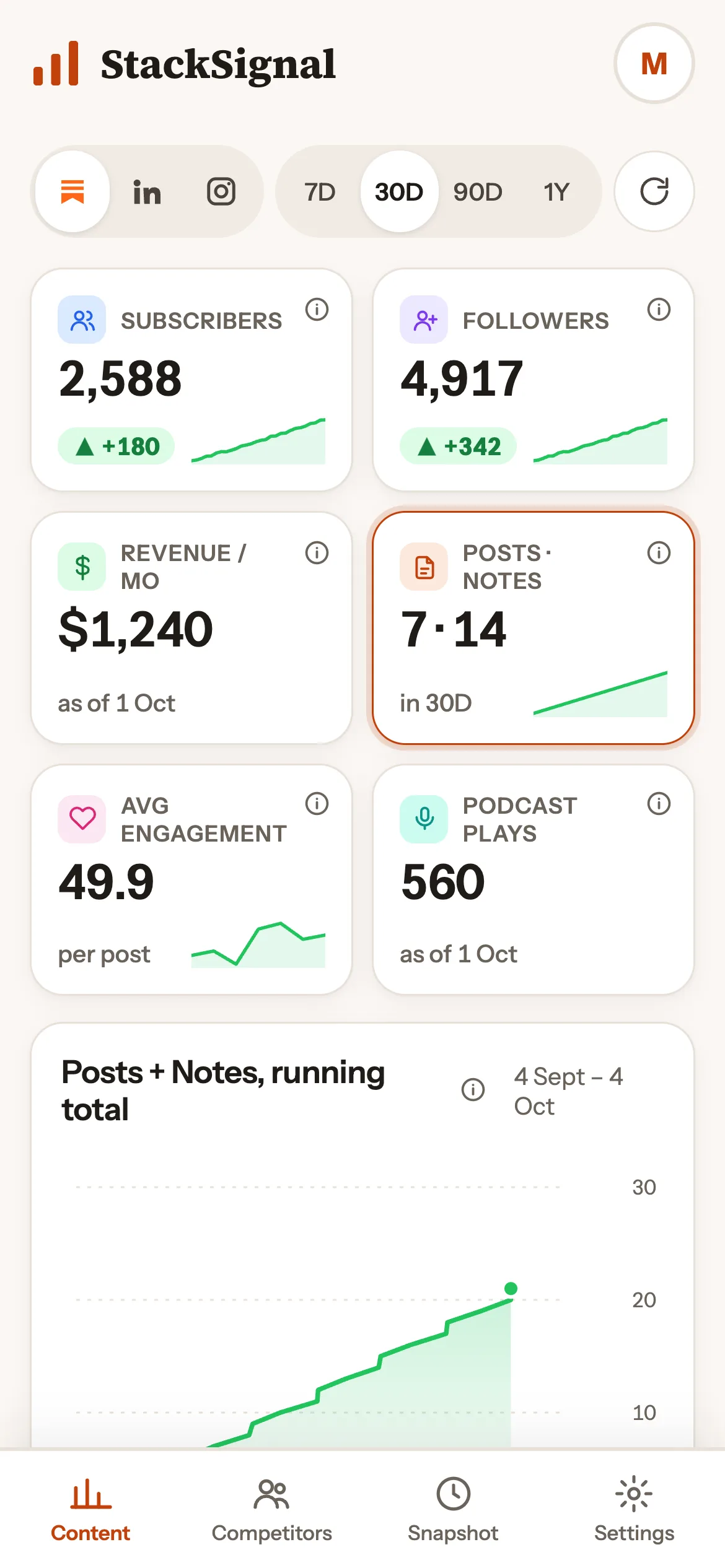
Open it in the morning, know exactly what to write and when to post it. Built for your phone first.
Substack, LinkedIn + Instagram
Subscribers, followers, posts, Notes and podcasts, with what changed and why.
What it tracks
Public numbers arrive on their own. Private ones only exist if you add them, and only you ever see them.
Your Substack audience every day, with the change over 7 days to a year.
Likes, replies and restacks on everything you publish.
Followers, posts, reactions and reel views across both, every week.
Every post you publish, with likes, restacks and comments — see what’s landing.
Which posts beat your typical post, and by how much (1.4×, 5.8×…).
A day-by-time heatmap of when your audience engages, in your time zone.
Up to four plain-English next moves, picked from what changed.
Type them in from your own stats to chart them over time.
Add them to any post to see what actually converts.
Competitors
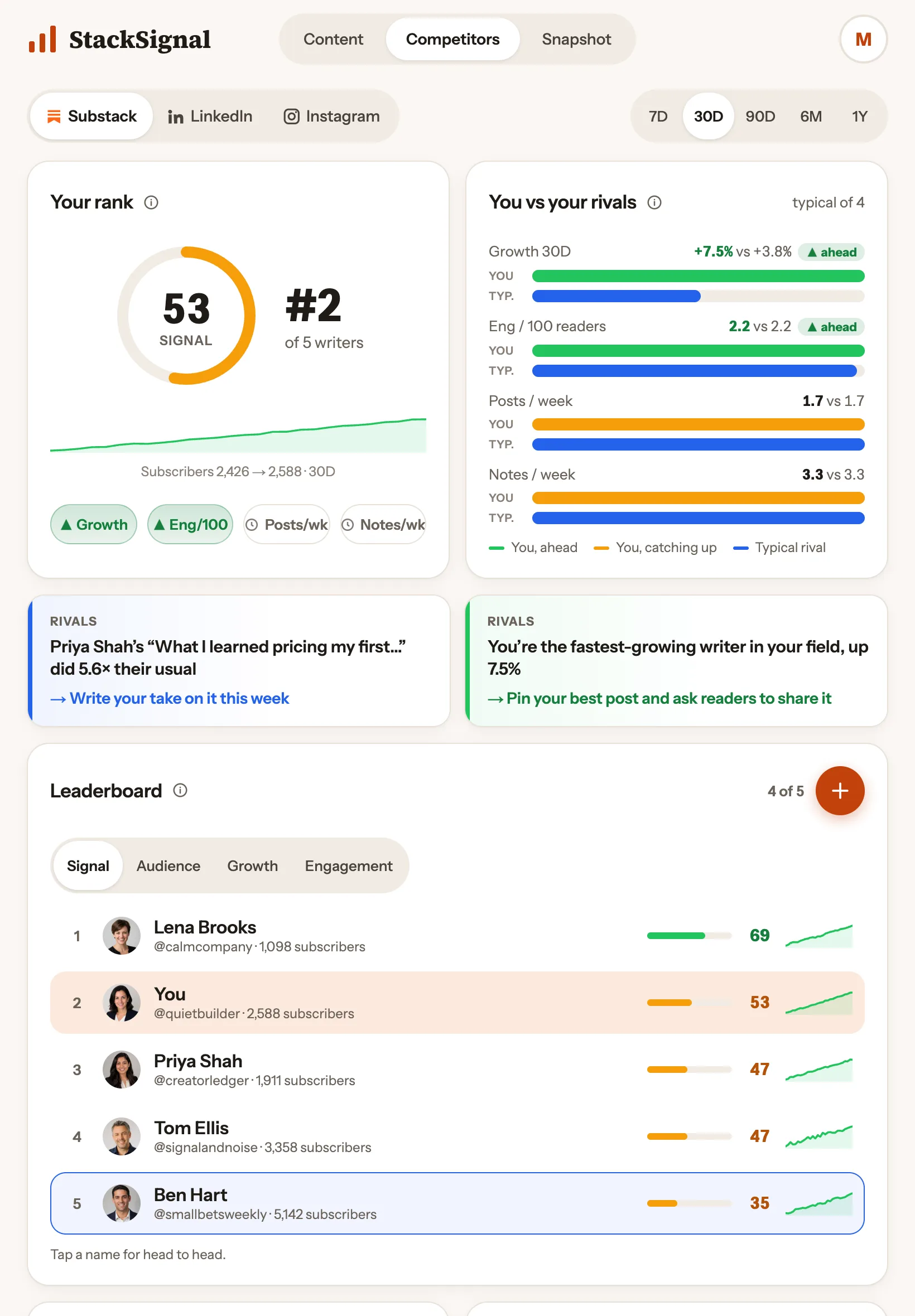
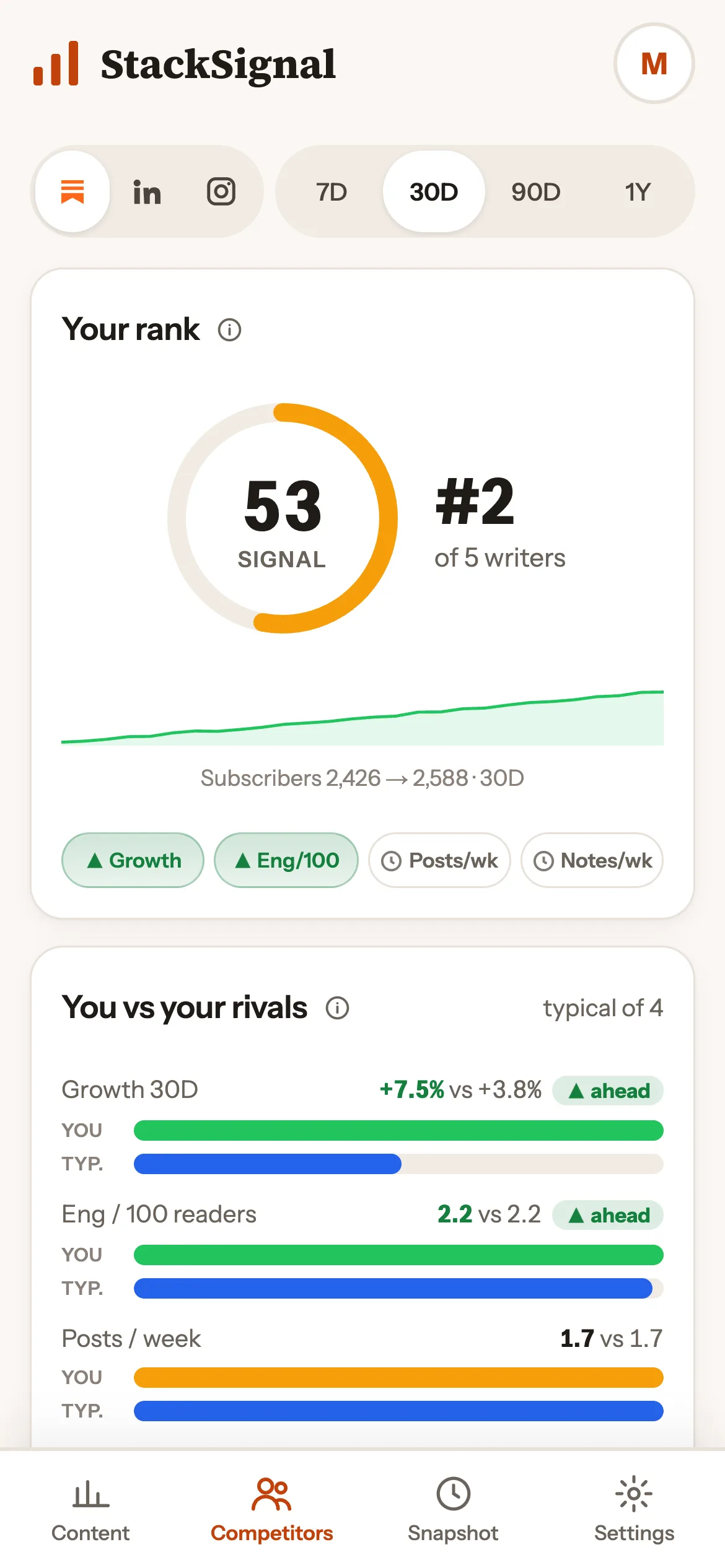
Add up to 5 creators you admire or compete with on each of Substack, LinkedIn and Instagram. StackSignal ranks you all on a Signal Score: growth, engagement per 100 readers, consistency and how often posts break out.


Your data
No passwords, no selling, no ads, no tracking cookies. Here's the short version.
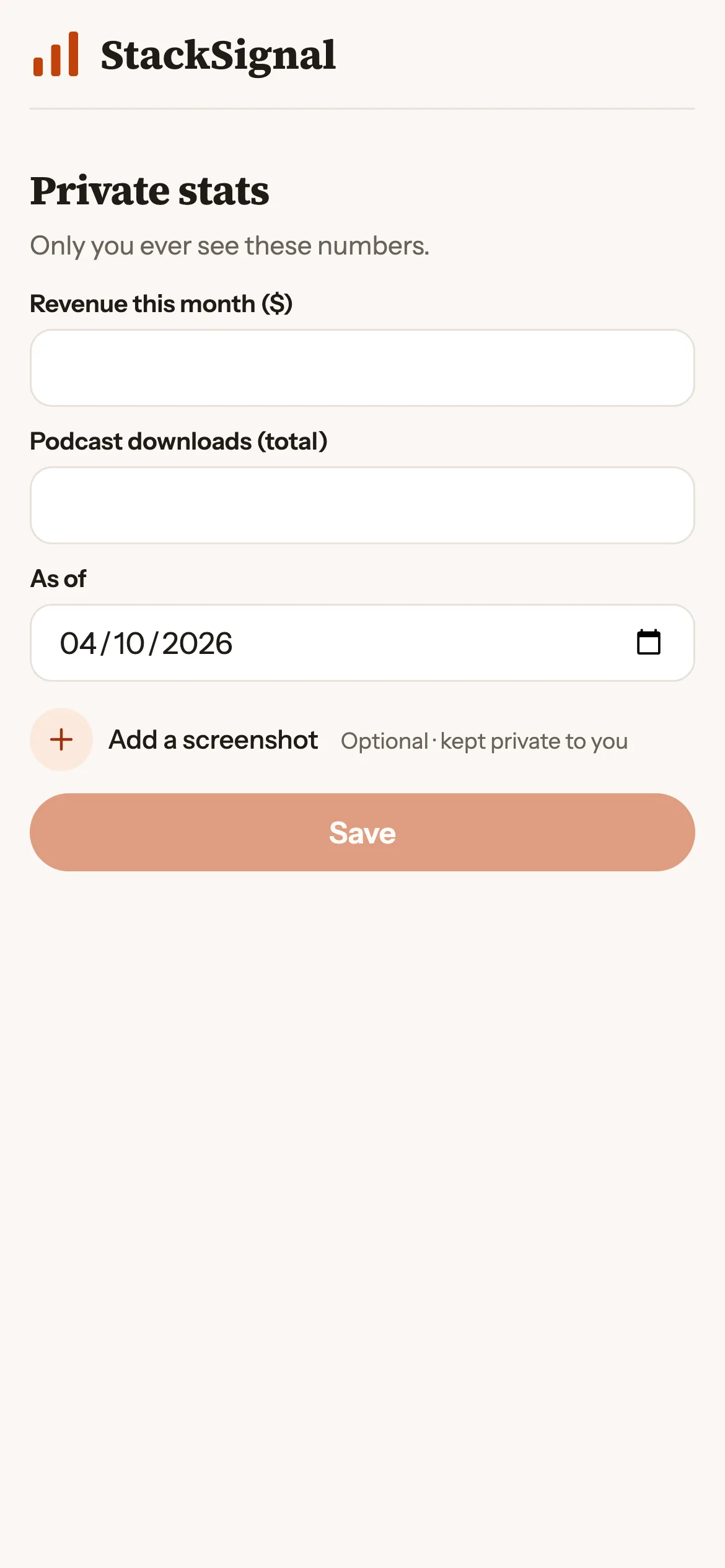
Private Numbers you type in are shown only to you.
| What | Where it comes from | What it's used for | Who sees it |
|---|---|---|---|
| Your email | You, when you sign up with Google or email | Signing you in and joining you to the Compound 30 Substack (Stripe sends your receipts) | You and us |
| Your public Substack, LinkedIn and Instagram stats | Your public profile and posts | Your dashboard, signals and rank | You |
| Competitors' public stats | Their public profiles and posts | Your comparisons, as counts only | You |
| Numbers you type in | You, from your own Substack stats | Your revenue, podcast and per-post charts | Only you |
| Subscriber CSV (optional) | You, from Substack's export | Superfans, new readers, paid share and who left. Read on your device; emails are scrambled before anything is saved | Only you |
| Payment | Stripe's secure checkout | Billing your plan | Stripe (we never see your card) |
| Sign-in security logs | Your browser, when you sign in | Keeping your account safe and stopping abuse (IP address, browser details) | Only us |
Full detail in our Privacy policy, Terms and Cookies pages.
How it works
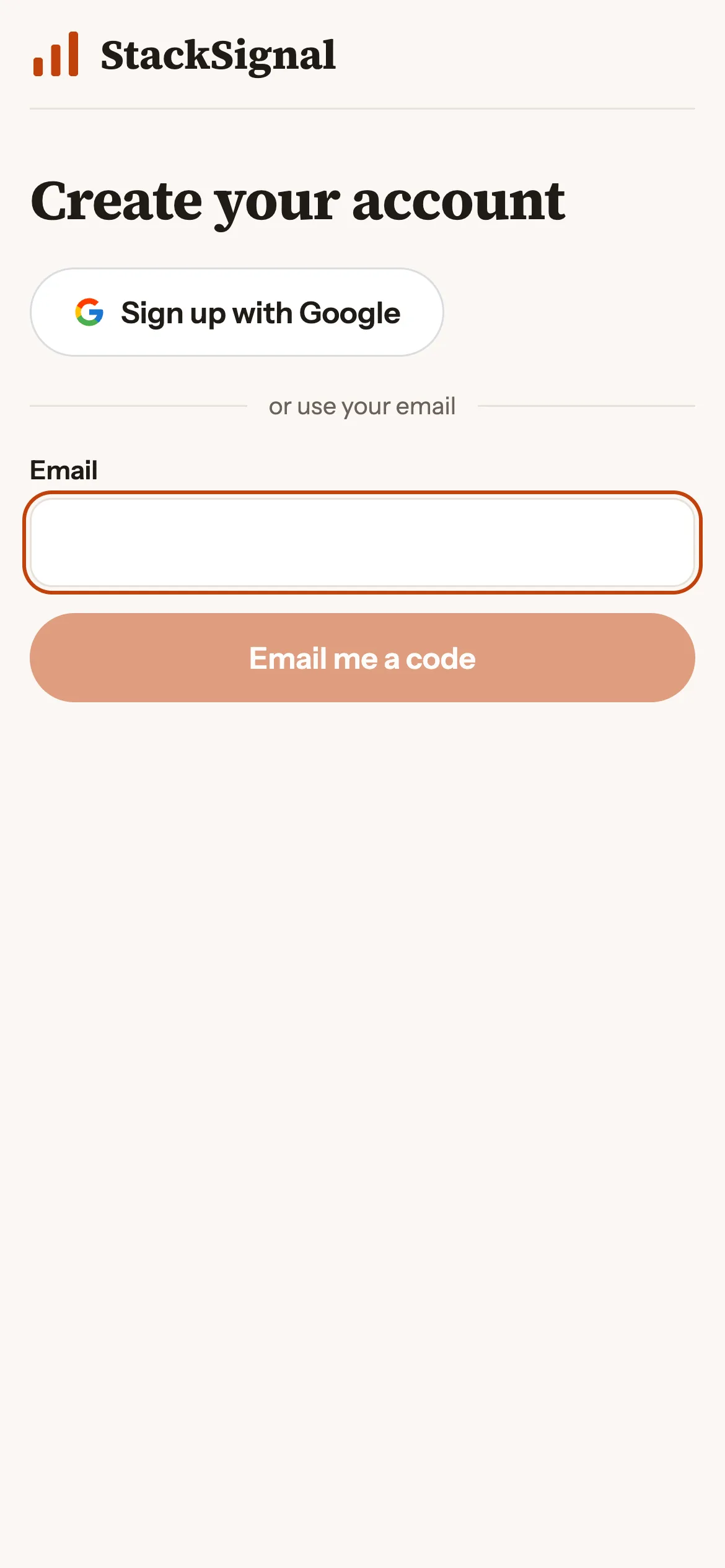
Continue with Google, or use any email address. No password.
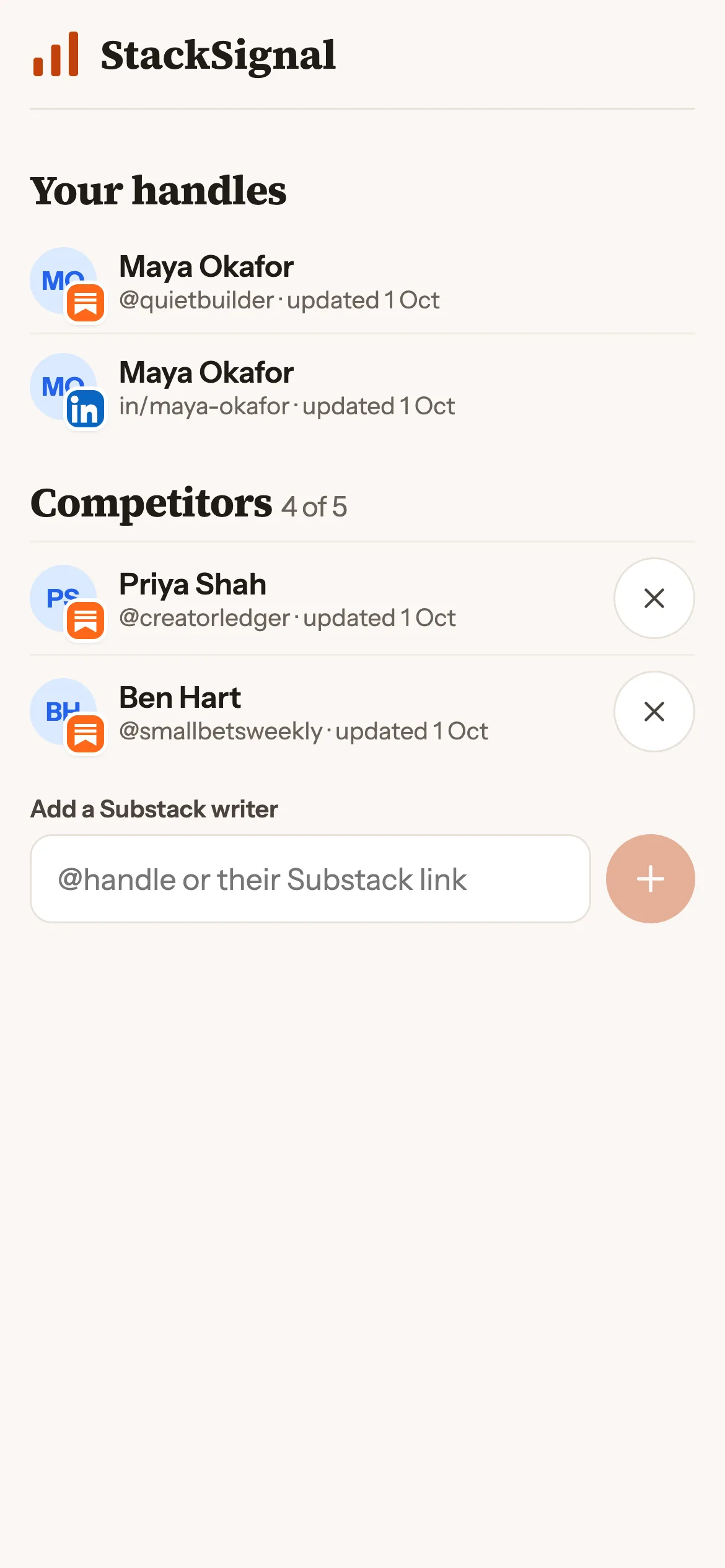
Your Substack (and LinkedIn or Instagram if you like), plus up to 5 creators per platform to compare with.
Your dashboard fills in within minutes and refreshes every day from then on.
Pricing
One plan, everything included. Cancel any time.
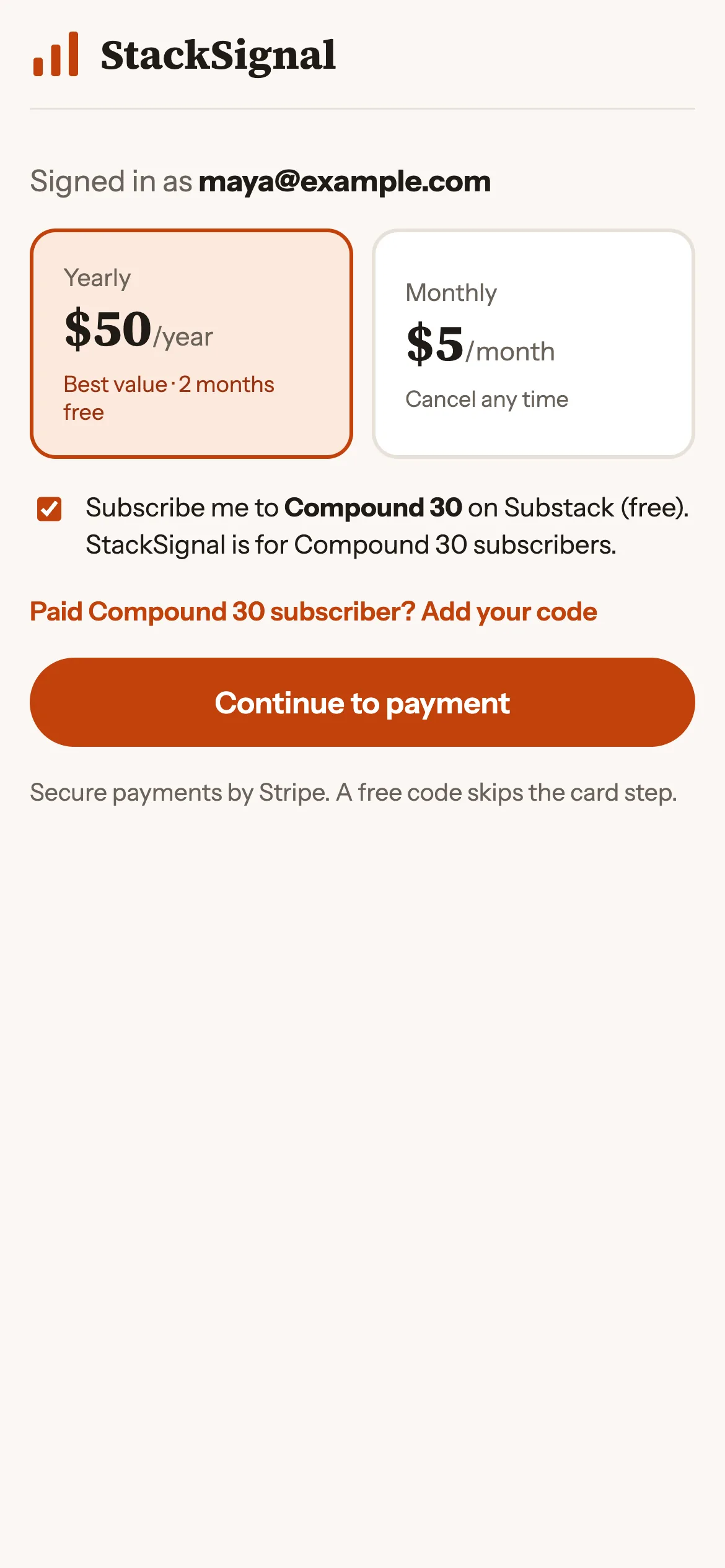
$50/year
Paid Compound 30 subscriber? Your code makes StackSignal free. No card needed.
FAQ
No. It's an independent tool by Compound 30™ and isn't affiliated with Substack, LinkedIn or Instagram.
Never. StackSignal reads public pages only, plus any numbers you choose to type in yourself.
No. We only read their public profile and public posts. Nothing is sent to them.
With your Google account, or with any email address: we send a 6-digit code. There's no password to remember or leak.
Substack every day, Instagram every two days, LinkedIn every week. You can also tap Refresh to update your Substack numbers sooner.
Yes. Paid Compound 30 subscribers get a code that makes StackSignal free. Add it when you choose your plan and no card is needed.
Any time, in Settings → Account → Manage billing. You keep access until the end of the period you've paid for.
Yes. Track up to 5 Substack writers, 5 LinkedIn profiles and 5 Instagram accounts, each ranked against you on its own leaderboard.
Yes. Upload the subscriber export from Substack and StackSignal ranks your most engaged readers and lists who joined. The file is read on your device: raw emails never reach us.
See it tomorrow morning.
Create your account